Consumer Insights Blog
Knowledge That Protects
Your Rights
Your Rights
Expert guides, fraud alerts, and consumer tips to help you make smarter decisions every day.
33+
Articles
6
Categories
Free
Always
Latest Articles
All Articles
Legal Rights
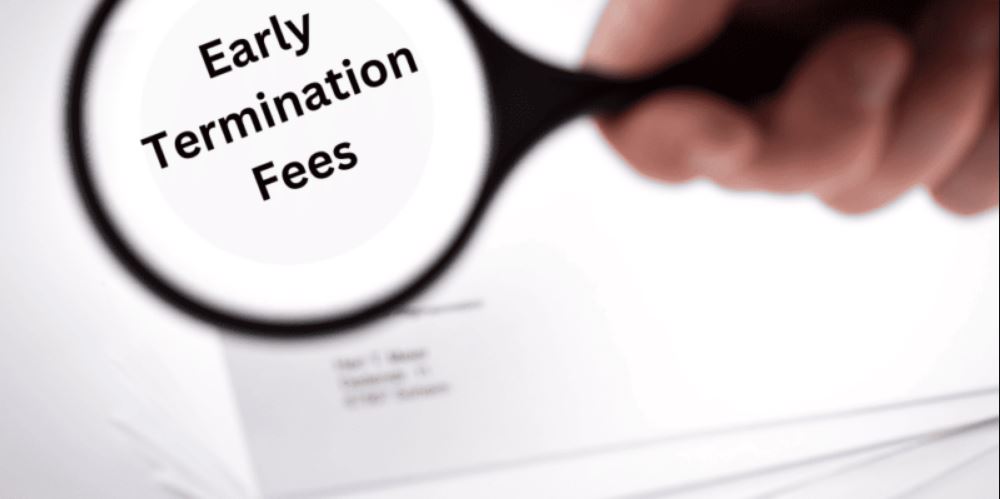
Understanding Service Contracts and Early Termination Fees
A service contract is a signed agreement that sets the terms, price, and length of a recurring service, such as internet, mobile phone, cable, streaming, home security, or gym membership. Early termination fees are charges a provider applies when a customer cancels before the agreed term ends. Companies charge these fees to recover equipment costs, promotional discounts, installation expenses, and revenue tied to the remaining contract period. Consumers may be able to avoid or dispute
Admin
·
20 Jul 2026
Read
Industry Insights
Why RaiseAComplaint Is a Valuable Resource for Consumers
RaiseAComplaint.com is a valuable resource for consumers because it gives them a structured place to document experiences, raise complaints, and track issues from start to finish. Rather than relying on scattered emails or unanswered calls, consumers can create an organized record of what happened, when it happened, and how a business responded. The platform also allows people to share feedback publicly, which helps other shoppers research a business before making a purchase.
Admin
·
07 Jul 2026
Read
Legal Rights
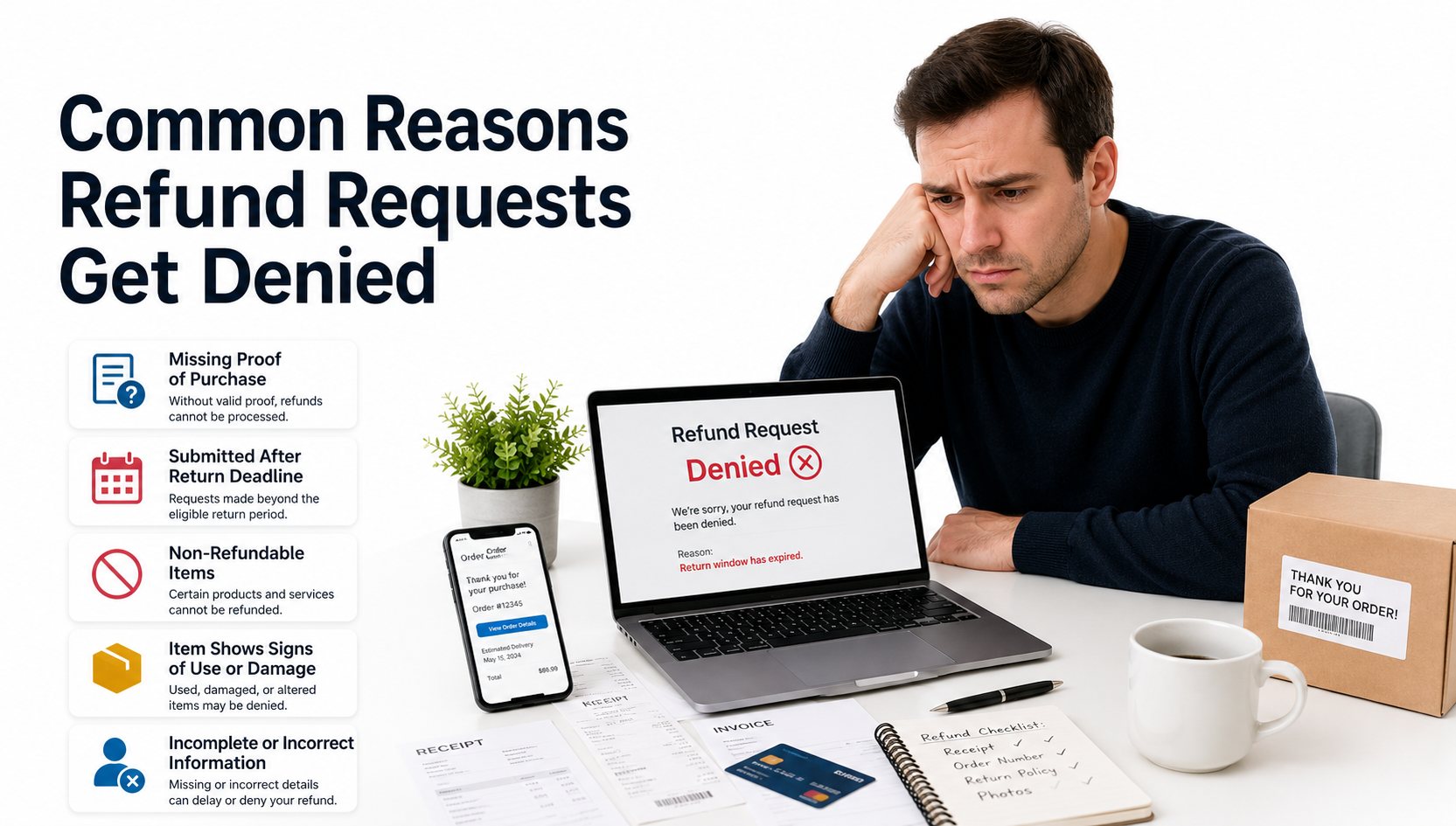
Common Reasons Refund Requests Get Denied
A refund request denied notice usually comes down to a handful of recurring issues: the return window closed before the request was made, the product didn't meet return conditions, there was no proof of purchase, the purchase fell under a non-refundable policy exclusion, or the paperwork submitted was incomplete. Damaged, used, or missing-accessory items are also common triggers. The good news is that many denials aren't final.
Admin
·
06 Jul 2026
Read

Consumer Tips
How to Request Compensation for Travel Disruptions
To request compensation for travel disruptions, start by saving every travel document, including boarding passes, booking confirmations, and receipts. Contact the airline, hotel, or travel provider as soon as possible to report the issue and review its compensation policy, since eligibility depends on the cause of the disruption and the provider's specific terms. Submit a clear, written request for reimbursement with supporting evidence attached, and keep a record of every call or message.
Admin
·
06 Jul 2026
Read

Company News
Hotel Booking Problems and How to Resolve Them
Hotel booking problems are usually easiest to resolve when you act quickly and keep records of every step. Start by reviewing your booking confirmation for accuracy, then contact the hotel directly to explain the issue. Document all communication, including emails, screenshots, and receipts. If the hotel cannot resolve the matter, reach out to the booking platform or online travel agency used for the reservation. Request a refund or alternative accommodation when appropriate
Admin
·
06 Jul 2026
Read
Fraud Alerts
Scam Warning Signs Every Consumer Should Recognize
The most common scam warning signs include urgent payment requests, fake websites with misspelled URLs, phishing emails asking for personal information, unexpected phone calls claiming to be from your bank or a tech company, deals that seem too good to be true, and requests for gift cards, cryptocurrency, or wire transfers. Scammers often create a false sense of urgency, pretending your account is at risk or a limited-time offer is about to expire. Legitimate businesses rarely ask for sensitive
Admin
·
01 Jul 2026
Read
Consumer Tips
How to Challenge Hidden Fees and Unexpected Charges
To challenge hidden fees and unexpected charges, start by reviewing your receipt or bank statement carefully. Gather all supporting evidence — receipts, screenshots, and email confirmations — then contact the business directly to request clarification or a refund. If the business does not resolve the issue, escalate to a supervisor or file a formal complaint. For unauthorized charges, dispute the transaction with your bank or credit card issuer under the Fair Credit Billing Act (FCBA).
Admin
·
28 Jun 2026
Read
Consumer Tips
What Consumer Rights Do You Have in the U.S.?
Consumer rights in the U.S. give buyers legal protections against fraud, deceptive advertising, unsafe products, and unfair billing practices. Federal laws enforced by agencies like the Federal Trade Commission (FTC) and the Consumer Financial Protection Bureau (CFPB) guarantee your right to truthful information, fair billing, privacy, and the ability to seek refunds or file a complaint. Whether you're shopping online or in a store, these protections cover credit card disputes, product safety,
Admin
·
27 Jun 2026
Read
Consumer Tips
How Businesses Can Manage Their Online Reputation Ethically
Ethical online reputation management means building trust through transparency, genuine customer feedback, and responsible complaint resolution—not through manipulation or fake reviews. Businesses should actively encourage honest reviews, respond professionally to criticism, address customer complaints promptly, and monitor what is being said about them across review platforms and social media.
Admin
·
24 Jun 2026
Read
01
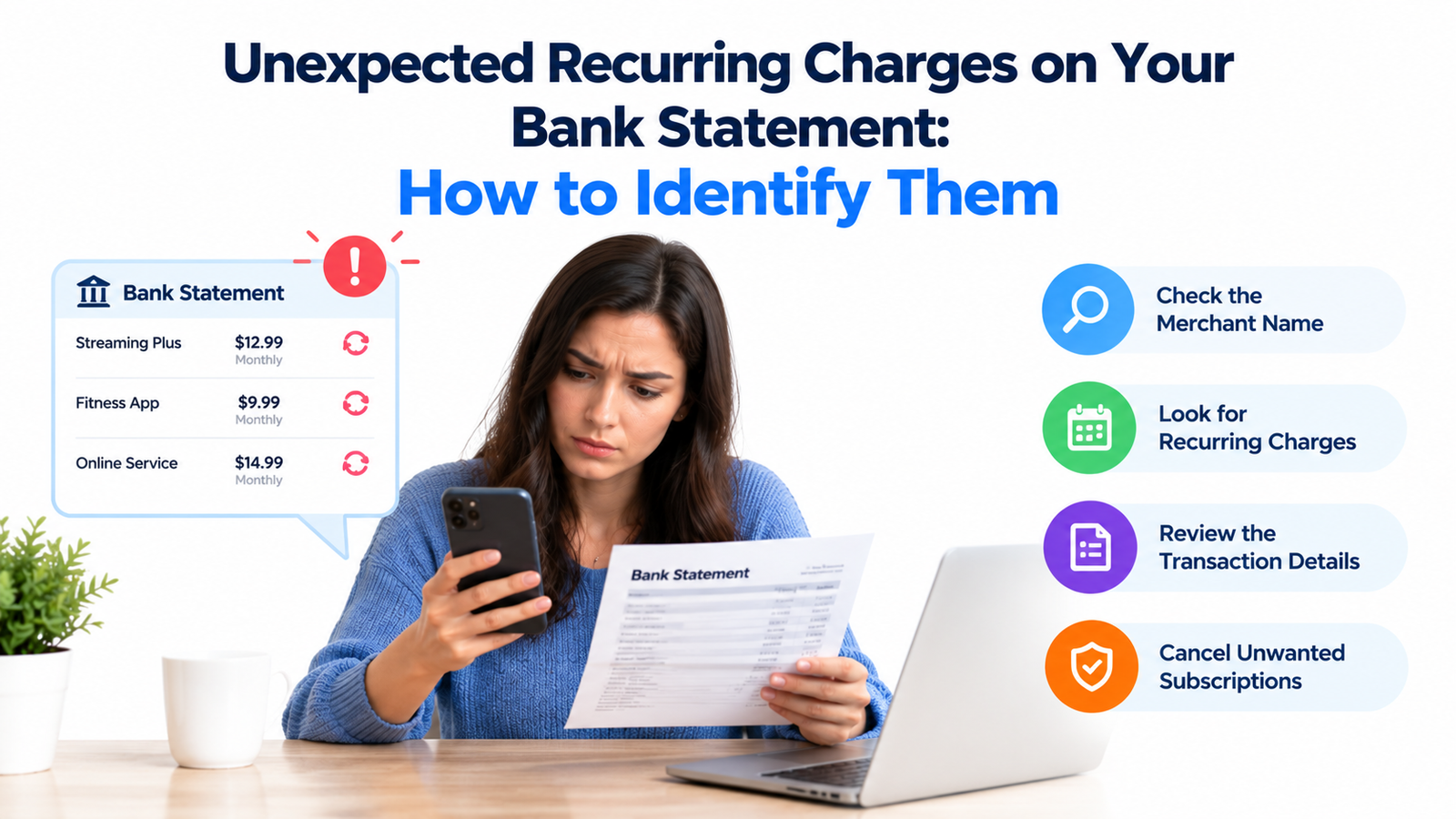
Unexpected Recurring Charges on Bank Statement: How to Find
22 Oct 2026
02
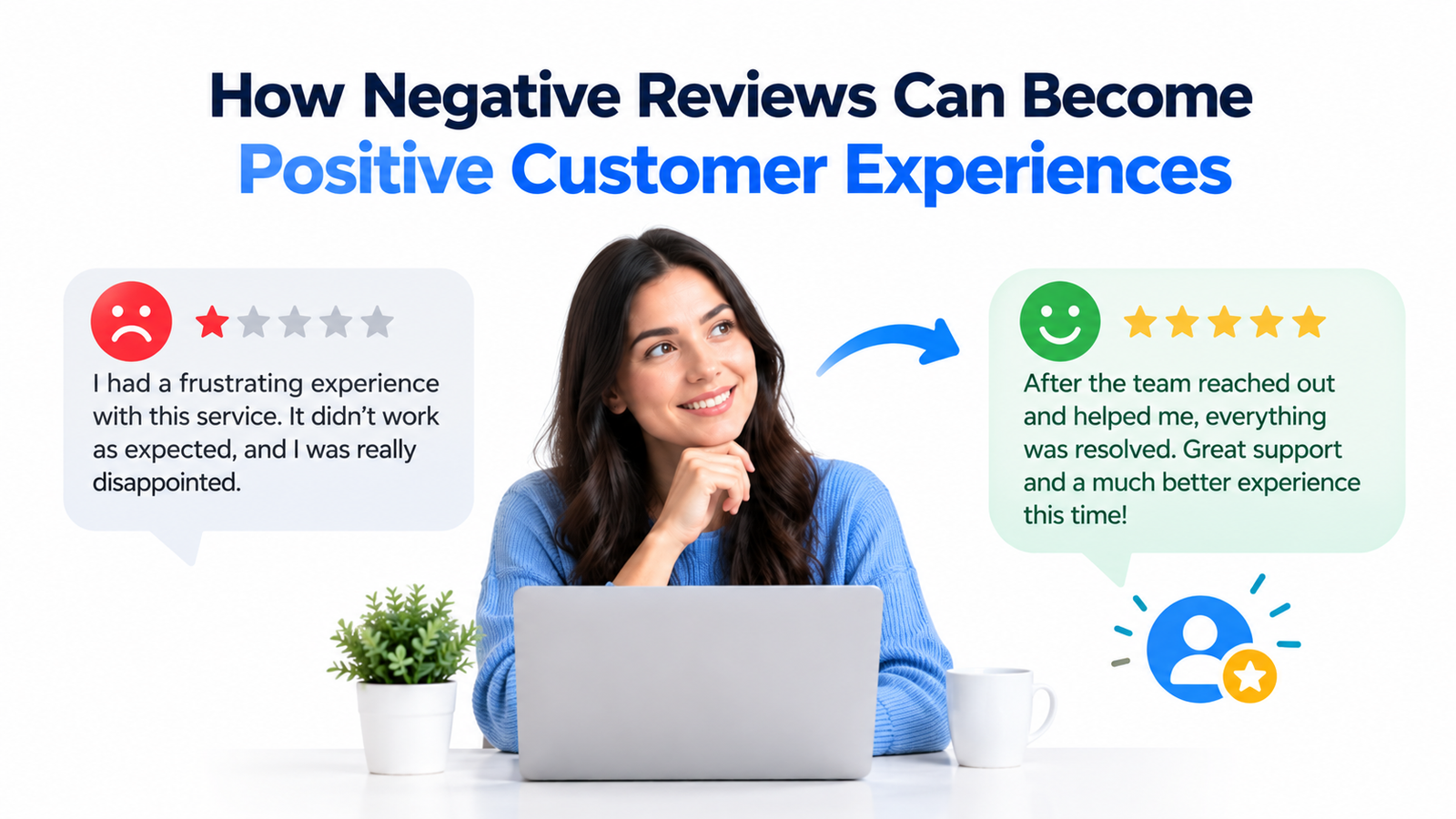
How Negative Reviews Can Become Positive Customer Experience
22 Oct 2026
03
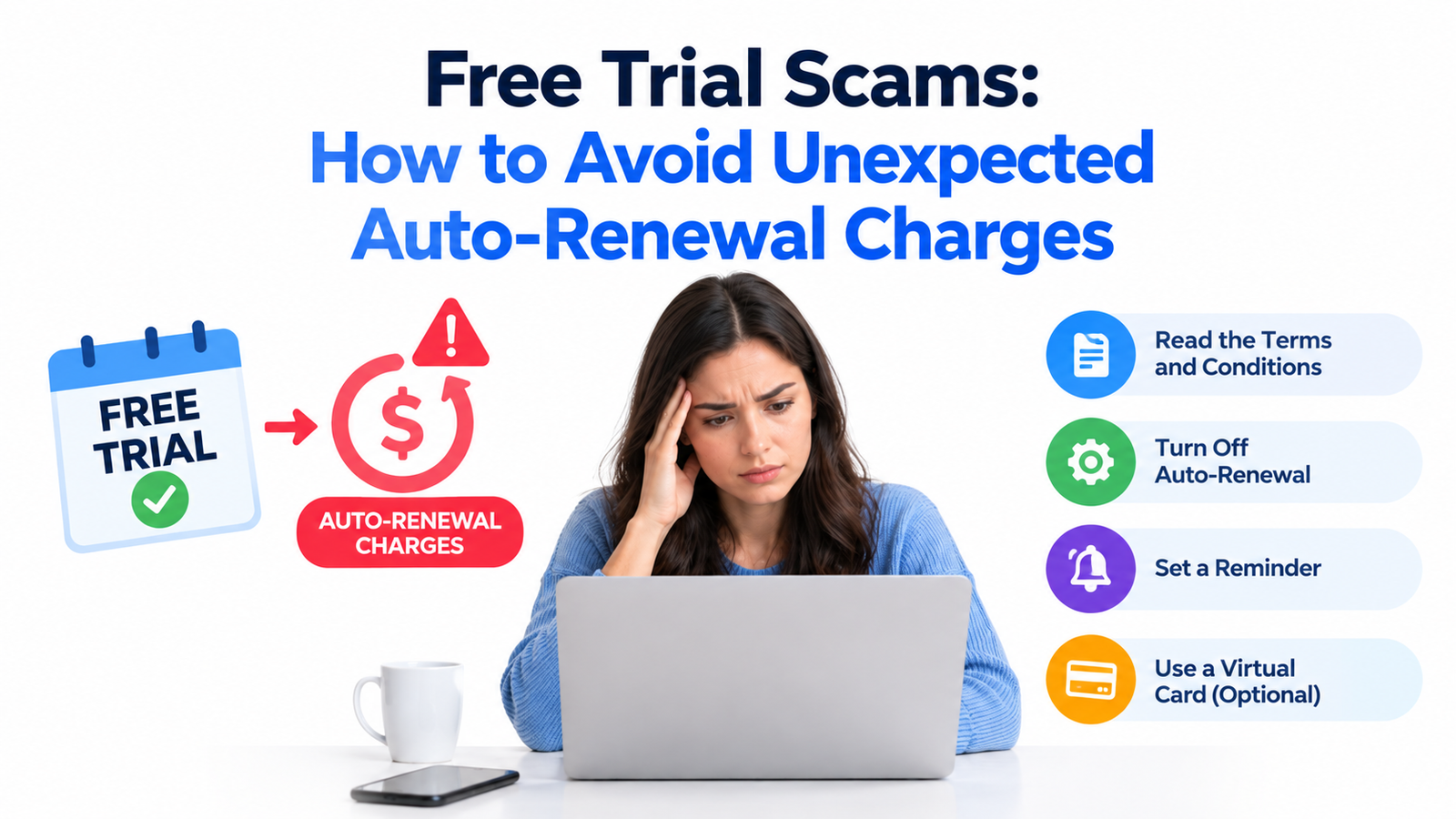
Free Trial Scams: How to Avoid Unexpected Auto-Renewal Charg
21 Oct 2026
04
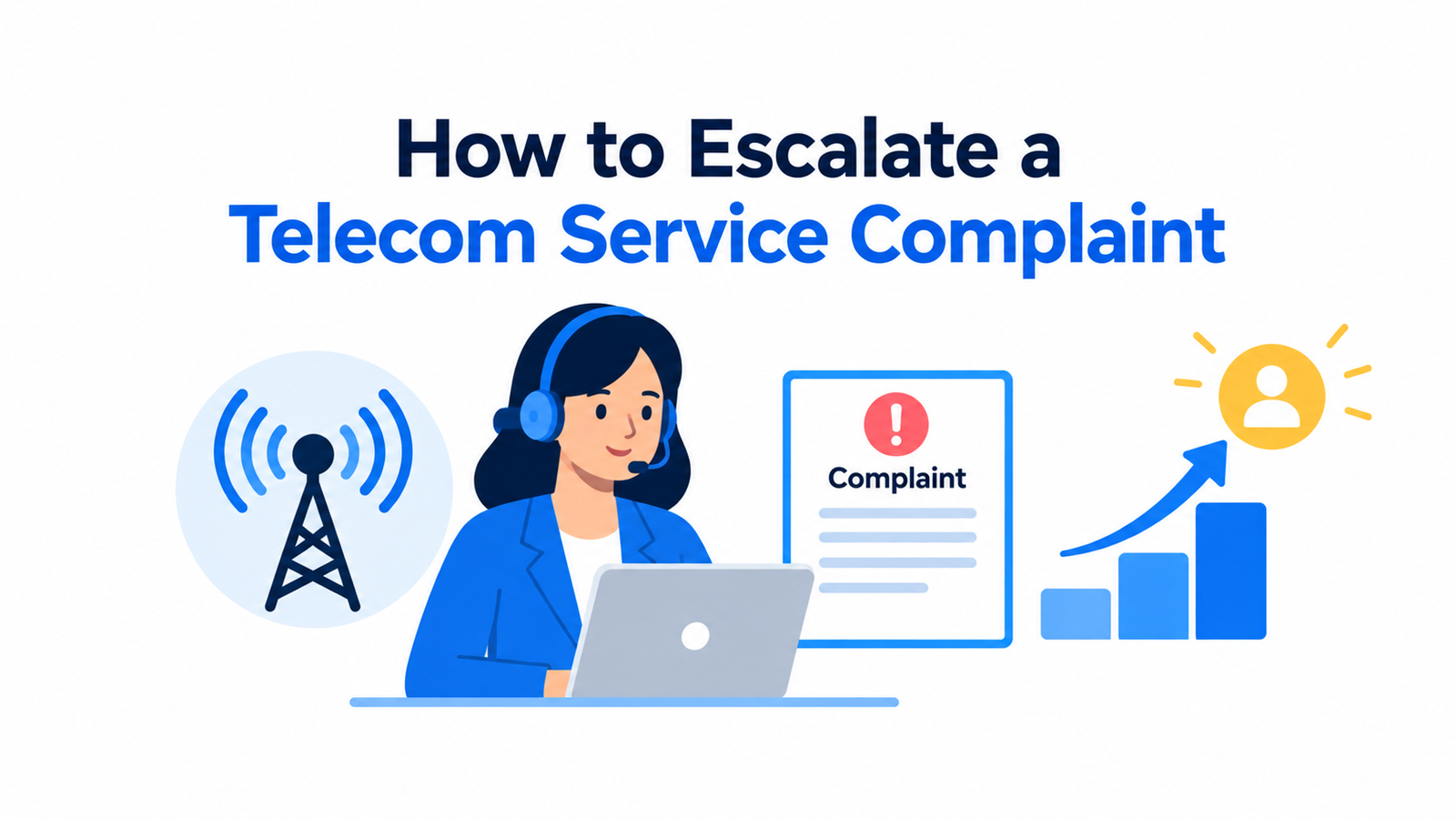
How to Escalate a Telecom Service Complaint
11 Oct 2026
05
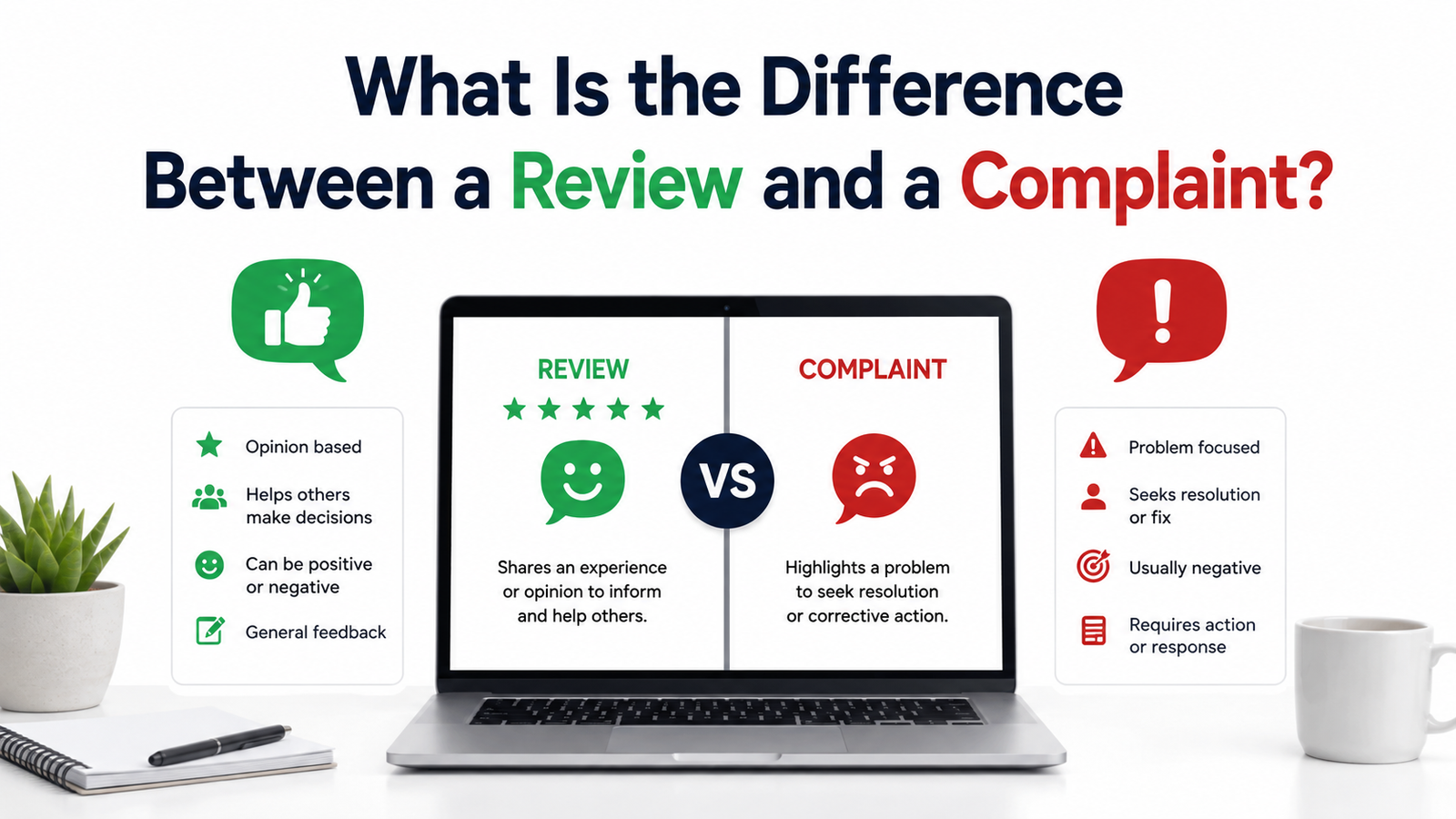
What Is the Difference Between a Review and a Complaint?
28 Aug 2026
Fraud Alerts
Unexpected Recurring Charges on Bank Statement: How to Find
22 Oct 2026
Consumer Tips
How Negative Reviews Can Become Positive Customer Experience
22 Oct 2026
Consumer Tips
Free Trial Scams: How to Avoid Unexpected Auto-Renewal Charg
21 Oct 2026
Consumer Tips
How to Escalate a Telecom Service Complaint
11 Oct 2026