
Consumer Insights Blog
Knowledge That Protects
Your Rights
Your Rights
Expert guides, fraud alerts, and consumer tips to help you make smarter decisions every day.
29+
Articles
6
Categories
Free
Always
Company News
Company News
Company News
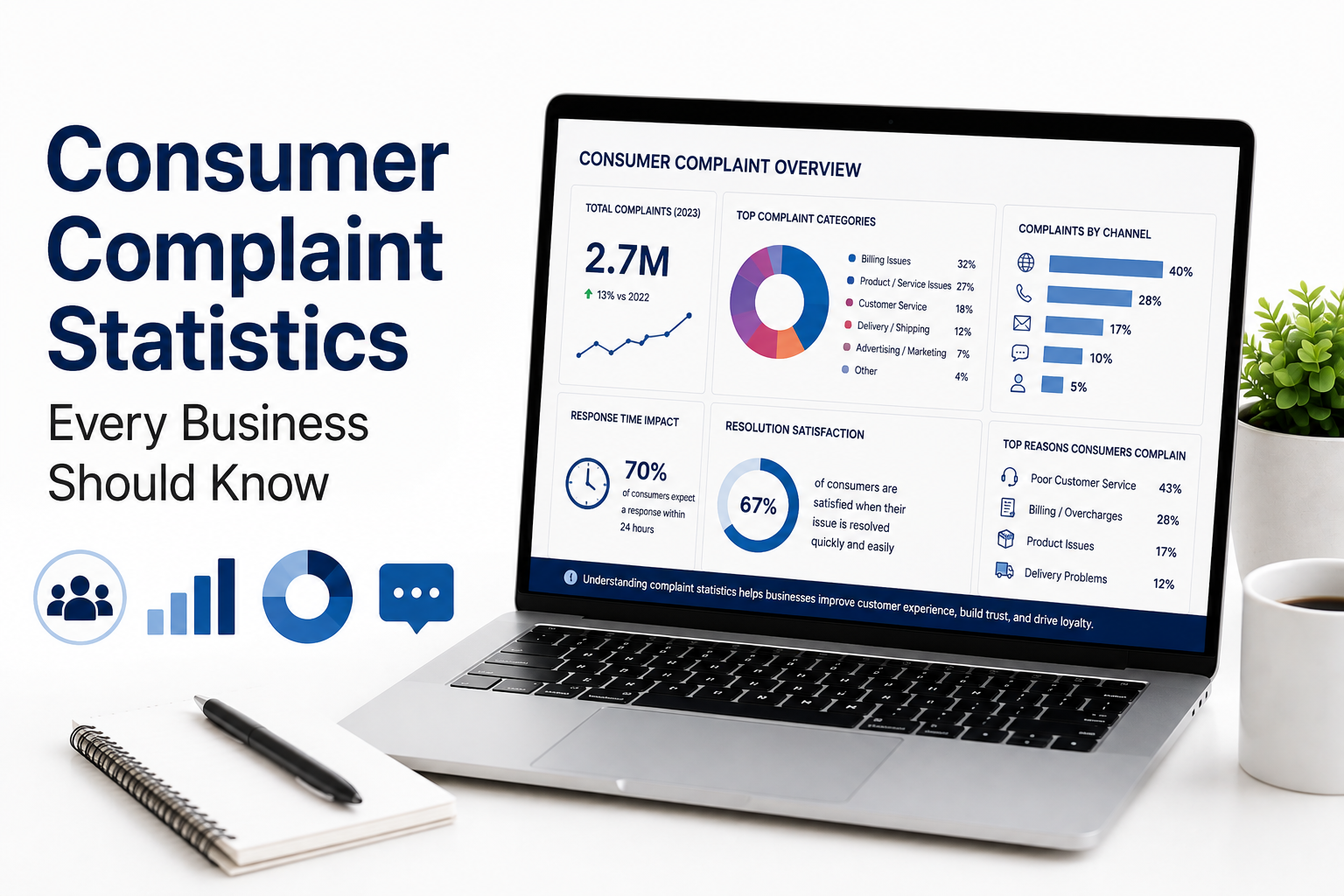
Consumer Complaint Statistics Every Business Should Know
Consumer complaint statistics matter because they reveal exactly where a business is losing customer trust — and how much that costs. In 2025, the CFPB received more than 6.6 million complaints, more than double the prior year's total, showing how quickly consumer friction can escalate when problems go unresolved. Research from Qualtrics XM Institute estimates that $3.7 trillion in global sales is at risk annually because of poor customer experiences
Admin
·
21 Aug 2026
Read

Company News
Hotel Booking Problems and How to Resolve Them
Hotel booking problems are usually easiest to resolve when you act quickly and keep records of every step. Start by reviewing your booking confirmation for accuracy, then contact the hotel directly to explain the issue. Document all communication, including emails, screenshots, and receipts. If the hotel cannot resolve the matter, reach out to the booking platform or online travel agency used for the reservation. Request a refund or alternative accommodation when appropriate
Admin
·
06 Jul 2026
Read
01
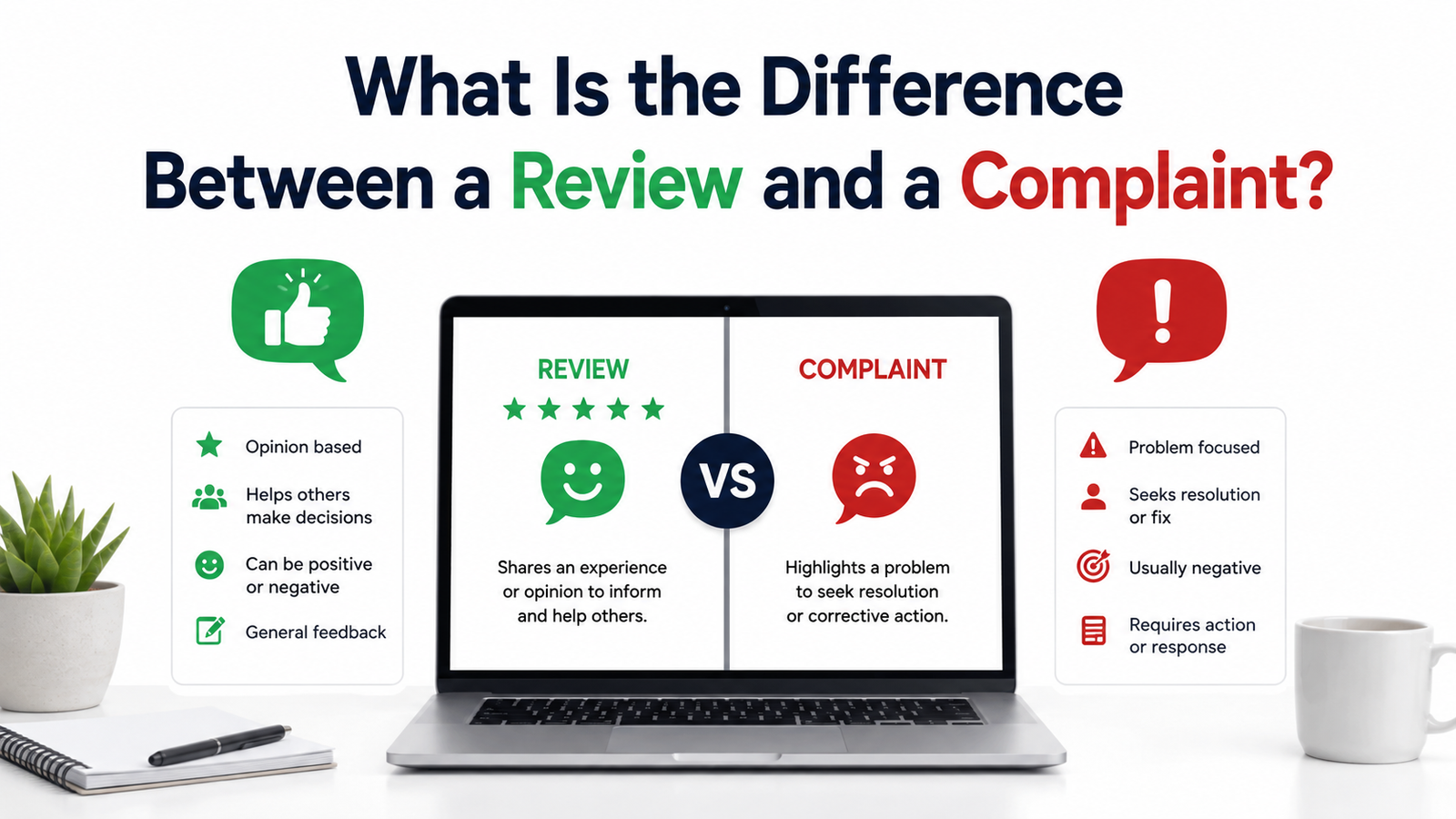
What Is the Difference Between a Review and a Complaint?
28 Aug 2026
02
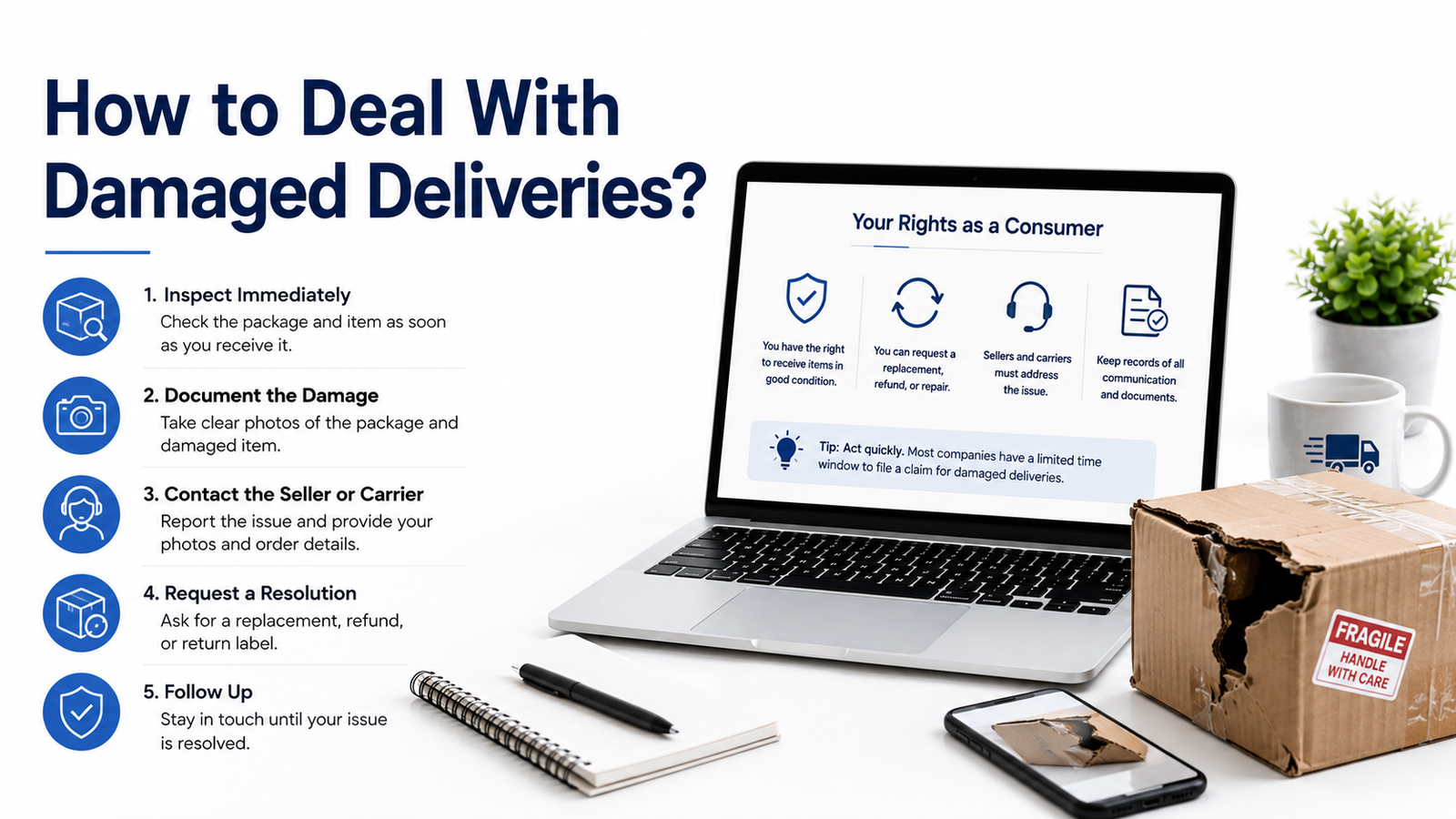
How to Deal With Damaged Deliveries?
24 Aug 2026
03
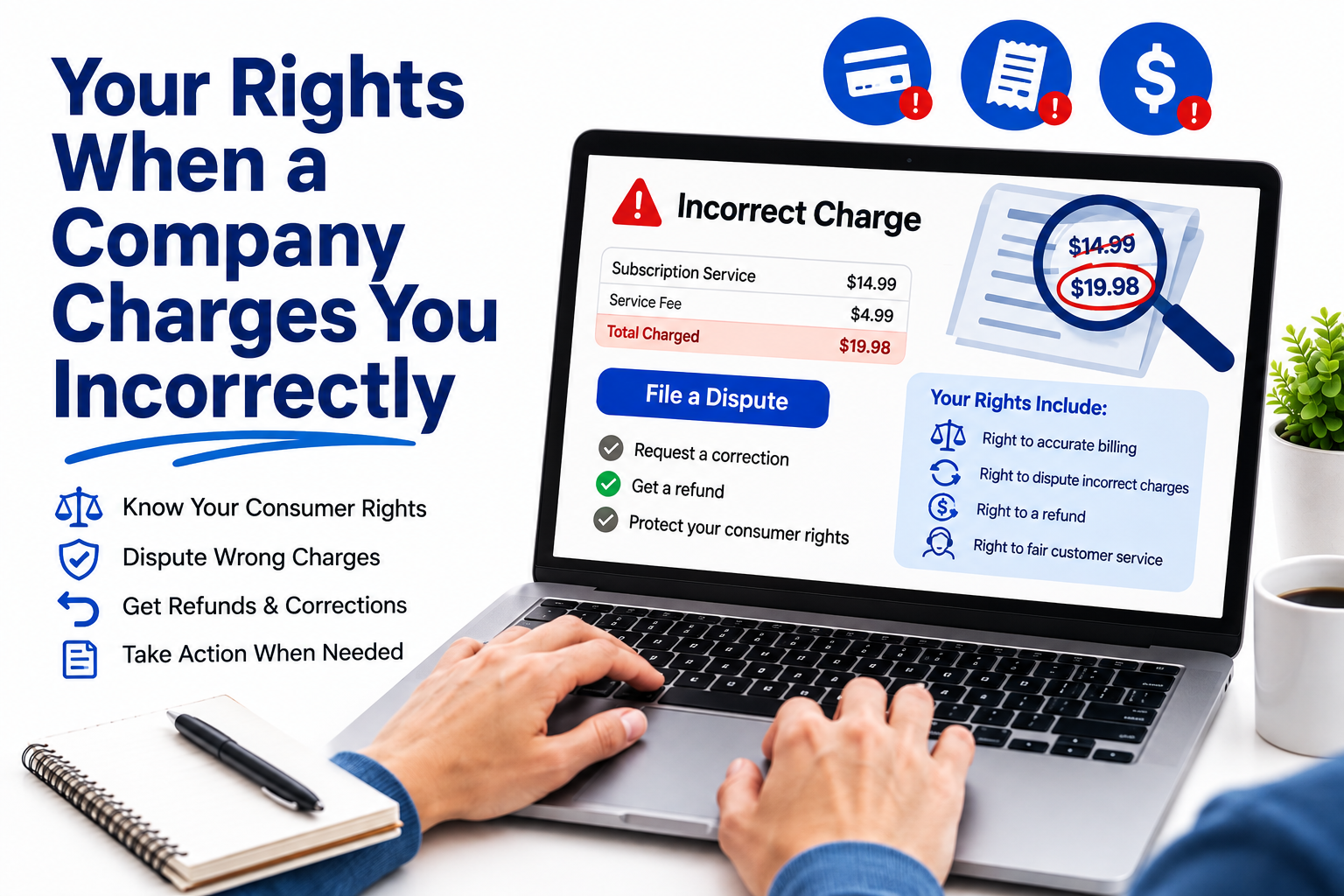
Your Rights When a Company Charges You Incorrectly
24 Aug 2026
04
Consumer Complaint Statistics Every Business Should Know
21 Aug 2026
05
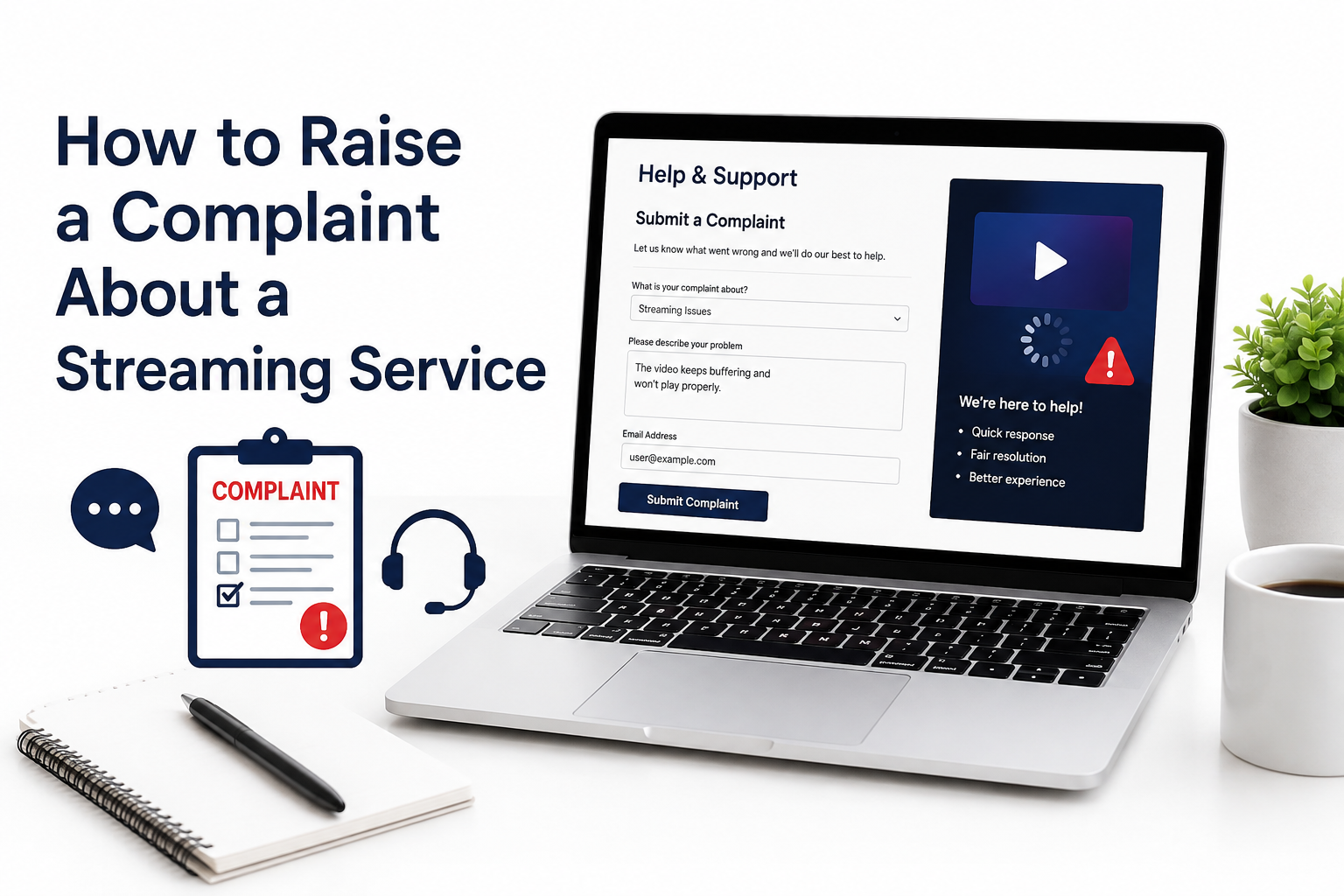
How to Raise a Complaint About a Streaming Service
20 Aug 2026
Product Reviews
What Is the Difference Between a Review and a Complaint?
28 Aug 2026
Consumer Tips
How to Deal With Damaged Deliveries?
24 Aug 2026
Legal Rights
Your Rights When a Company Charges You Incorrectly
24 Aug 2026
Company News
Consumer Complaint Statistics Every Business Should Know
21 Aug 2026