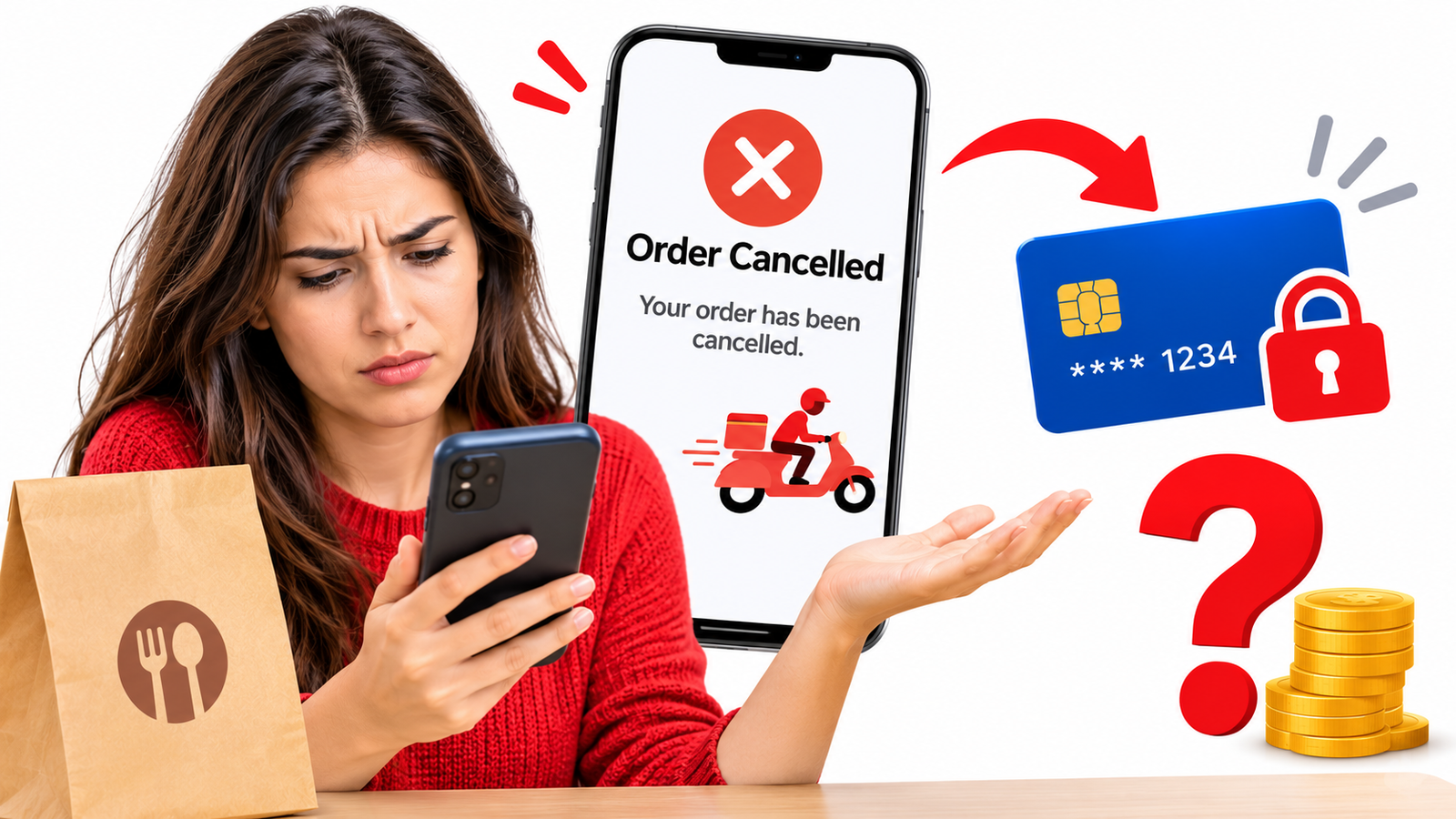
You place a food order, complete the payment and wait for your meal. A few minutes later, you receive a notification saying that your order has been cancelled. You check your bank account, only to find that the payment has still been deducted. The food is not arriving, and there is no clear information about when your money will be returned.
If you are dealing with a food delivery order cancelled but payment not refunded situation, you should first determine whether the payment was completed, is still pending or has already been reversed. A cancelled order does not always result in an immediate refund because the delivery platform, payment gateway and bank may process these updates separately.
Here is what you can do to trace the payment and seek a refund.
Why Does a Food Delivery App Cancel an Order but Still Charge You?
Several situations can explain why a food delivery app cancelled an order but charged you.
- Restaurant availability: The restaurant may run out of ingredients, become too busy or stop accepting orders after payment.
- Payment processing delays: Your payment may be authorized or captured before the cancellation reaches the payment system.
- Technical errors: Communication problems between the application and payment gateway can result in a successful payment but an unsuccessful order confirmation.
- Delivery partner unavailability: The platform may cancel an order because it cannot assign a delivery partner.
- Refund processing issues: The cancellation may not automatically trigger a refund request.
- System delays: The order status may update before the payment reversal is completed.
These situations can leave customers with a cancelled order and a deducted payment, even when they have done nothing wrong.
Why Has Your Money Not Been Refunded After Order Cancellation?
A refund not received after food order cancellation situation does not necessarily mean that the company has refused to return your money. Check the transaction status first.
There are three common possibilities:
- Pending authorization: The bank has temporarily reserved the amount, but the payment may not have been fully captured. The hold may eventually be released without a separate refund entry.
- Completed payment: The transaction has been captured or posted to your account. A separate refund may be required after cancellation.
- Refund initiated: The delivery platform has submitted a refund request, but the payment processor or bank has not yet credited the amount.
A payment reversal can also release an authorization rather than appear as a conventional refund. Therefore, check your pending transactions, available balance and bank statement before assuming the money is missing.
How to Check Whether Your Cancelled Food Order Is Eligible for a Refund
Before raising a complaint, review the following details:
- Cancellation notification: Check who cancelled the order and the reason provided.
- Order history: Confirm that the application displays the order as cancelled.
- Payment confirmation: Determine whether the transaction is pending or completed.
- Refund status: Check whether the platform has initiated a refund.
- Cancellation policy: Review the applicable terms to understand whether any cancellation charges can be deducted.
Some platforms apply cancellation fees when customers cancel after food preparation has started or a delivery partner has been assigned. However, if the restaurant or platform cancelled the order, ask for an explanation of any amount retained.
What to Do When a Food Delivery App Cancels Your Order but Does Not Refund the Money
If your food order is cancelled but money is deducted, follow these practical steps.
1. Check the Cancellation and Refund Status
Open the application and review your order history. Look for the cancellation reason, refund status and any estimated processing information.
2. Check Your Original Payment Method
Review your bank account, credit card or digital wallet. Check whether the transaction is pending, completed or reversed. Do not rely exclusively on the order status displayed in the application.
3. Contact the Delivery Platform
Use the company's official complaint channel. Explain that the order was cancelled but the payment remains deducted. Ask whether the payment was captured and whether a refund request has been initiated.
4. Request Written Confirmation
If the company claims that the refund has been processed, request the refund amount, processing date and reference number. These details can help your bank trace the transaction.
5. Contact Your Bank or Payment Provider
If the food delivery app refund is pending without a satisfactory explanation, contact the bank, card issuer or wallet provider. Ask whether the original payment was settled and whether a reversal or refund is awaiting processing.
How to Dispute a Charge for a Cancelled Food Delivery Order
A food delivery payment dispute may be appropriate when the transaction was completed, the order was cancelled and the merchant has not resolved the refund issue.
For example, suppose you paid $30 for a meal using your credit card. The restaurant cancelled the order, but the $30 charge appears on your statement. You contacted the platform, but it has not provided a refund or a satisfactory explanation.
You can contact your card issuer and ask whether the transaction qualifies for a dispute because the paid service was not provided.
In the United States, the Consumer Financial Protection Bureau (CFPB) explains that consumers generally have 60 calendar days from the statement containing a suspected billing error to send a written billing error notice to their credit card issuer to preserve applicable rights.
Debit card transactions may follow different procedures under Regulation E. The applicable investigation requirements depend on the transaction and circumstances.
When raising a dispute, provide the cancellation notification, payment receipt, order reference and communication with the merchant. Always describe the transaction accurately. A payment you authorized should not be reported as an unauthorized transaction simply because the merchant has not refunded it.
What Evidence Should You Keep Before Raising a Complaint?
Keep the following records to establish what happened:
- Order confirmation and order ID.
- Cancellation notification and reason.
- Payment receipt or transaction reference.
- Bank or credit card statement.
- Refund confirmation, if available.
- Emails and conversations with the delivery platform.
These documents help establish the payment amount, cancellation date and steps you have taken to resolve the issue.
Can You Raise a Complaint If the Food Delivery App Refuses to Refund Your Money?
Yes. If the food delivery app is refusing a refund, request a written explanation and escalate the matter through its formal complaint process.
You can also approach your bank or card issuer to understand the available payment dispute procedure. Eligible US consumers can review the CFPB's complaint process for issues involving financial products and services.
Additionally, you can document your experience on RaiseAComplaint.com. Include the platform's name, transaction amount, cancellation details, refund status and previous communication.
A clearly documented complaint helps communicate your experience and creates a record of the unresolved issue. However, publishing a complaint does not guarantee a refund or replace formal financial dispute procedures.
The Bottom Line
A cancelled food order should not leave you uncertain about your payment. Start by checking whether the transaction was pending or completed, then contact the delivery platform for a clear refund update. Keep your receipts, cancellation notifications and communication records. How to Deal With Damaged Deliveries
If the company does not resolve the issue, approach your financial institution and ask about the appropriate dispute procedure. Following these steps can help you trace the payment and seek a fair resolution.
Frequently Asked Questions
1. Why did my food delivery app cancel my order but deduct the money?
The payment may have been authorized or completed before the cancellation was confirmed. Technical problems, restaurant availability and delivery issues can also cause this situation.
2. How long does a refund take after a food order is cancelled?
There is no universal timeframe. It depends on the platform, payment gateway and financial institution. Check the refund estimate provided by the application.
3. What if the app says my refund was processed but I have not received it?
Request the refund reference number and processing date. Share these details with your bank or payment provider to trace the transaction.
4. Can I get my money back if a restaurant cancels my order?
You can request a refund when the restaurant cancels an order that you have paid for but did not receive. Any deductions depend on the applicable cancellation terms and circumstances.
5. Can I dispute a payment for a cancelled food delivery order?
Yes, you can ask your bank or card issuer whether the transaction qualifies for a dispute. Provide evidence of cancellation and your attempts to obtain a refund.
6. What should I do if a food delivery app refuses to issue a refund?
Request a written explanation, review the cancellation policy and escalate through the company's formal complaint channel. You can also contact your payment provider.
7. Can a food delivery app deduct cancellation charges?
Some platforms allow cancellation fees under specific circumstances. Review the applicable terms and ask the company to explain any deduction.
8. Who should I contact if my cancelled order payment is not reversed?
Contact the food delivery platform first. If the issue remains unresolved, approach your bank, card issuer or digital wallet provider.