TourRadar Customer Service Overview
How to Reach TourRadar
How to Contact TourRadar?
Tips and answers to common questions
How do I contact TourRadar customer service?
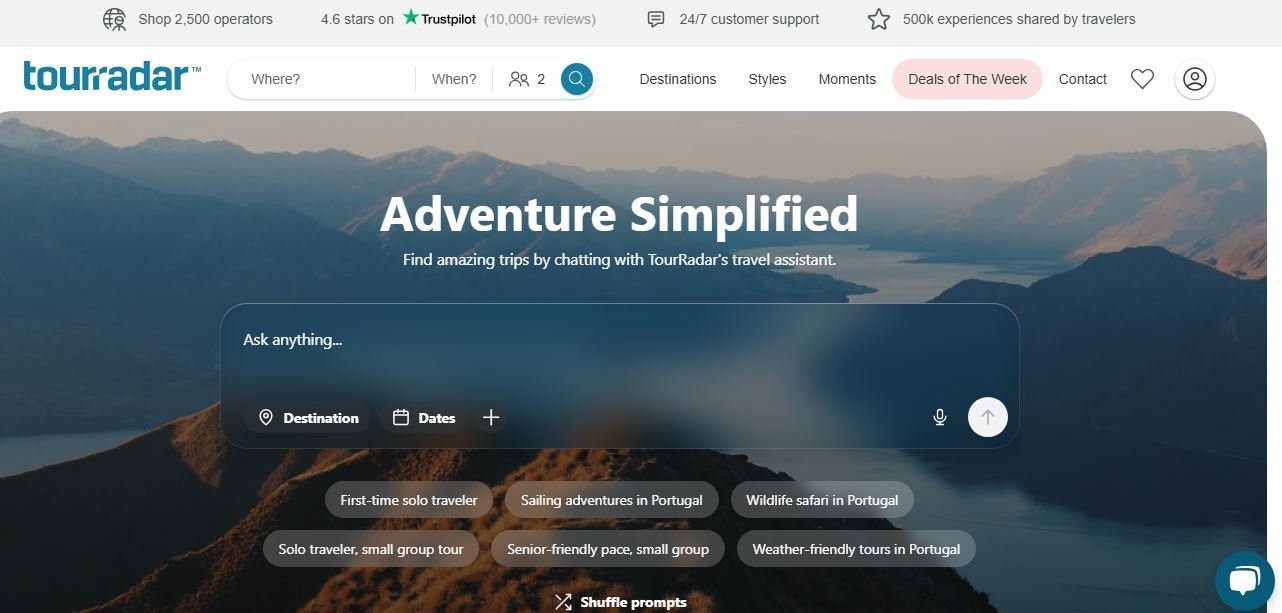
You can contact TourRadar customer service through its official Contact Us page, which provides 24/7 LiveChat support. TourRadar's virtual assistant, Scout, can help with questions, and customers can also be connected with a human support representative. For travelers who have an existing booking or inquiry, TourRadar recommends using the Booking Conversation Page to communicate directly with the tour operator. You can also use the regional telephone numbers listed on TourRadar's official Contact Us page if phone assistance is more convenient. Before contacting support, have your booking information, email address, and details of the issue available. This can help the support team identify your booking and understand what assistance you need.
TourRadar currently lists different telephone numbers depending on your location. Its official Contact Us page lists +1 833 895 6770 for the United States and Canada, +44 800 802 1046 for Great Britain, and +61 7 3106 8663 for Australia. Because regional contact information can change, check TourRadar's official Contact Us page before calling to confirm the number applicable to your location. If you already have a booking, you may also be able to get assistance through TourRadar's 24/7 LiveChat or use the Booking Conversation Page to communicate directly with your tour operator.
Yes. TourRadar states that its customer support team and global travel experts are available 24/7. Its official Contact Us page also provides 24/7 LiveChat, where customers can interact with the virtual assistant or get connected with a human representative. This support can be useful for questions about bookings, travel arrangements, or problems that arise during a trip. However, for questions about a specific tour, the tour operator may be the appropriate contact. TourRadar recommends using the Booking Conversation Page to communicate with the operator about an existing booking or inquiry.
You can use TourRadar's LiveChat through its official Contact Us page to get connected with a human support representative. TourRadar says its virtual assistant, Scout, can also help users before connecting them with a person when necessary. You can also call the regional telephone number applicable to your location. TourRadar currently lists separate numbers for the United States and Canada, Great Britain, and Australia. If your question relates specifically to a booked tour, check the Booking Conversation Page first. It allows you to communicate directly with the tour operator about your booking and travel arrangements.
For an existing booking or inquiry, TourRadar recommends using the Booking Conversation Page. This is the main communication space for interacting with the tour operator and managing matters related to your tour. Through the Booking Conversation Page, you can communicate with the operator about your confirmed tour, ask questions, and discuss additional requests. You can also view your adventure overview and itinerary and access your booking confirmation. If your issue is related to TourRadar's platform or requires customer-service assistance, you can use its 24/7 LiveChat or other support options available through the official Contact Us page.
If you want to ask a tour operator about an adventure before booking, TourRadar provides a Contact Operator option on the tour detail page. This allows you to request additional information about the tour. For a confirmed booking, the Booking Conversation Page provides a direct communication channel with the tour operator. You can use it to ask questions or discuss updates and additional requests relating to your trip. This can be particularly useful when your question concerns the itinerary, inclusions, availability, or arrangements that are specific to the tour itself.
If you encounter a problem during your tour, TourRadar's Customer Support team is available 24/7. You can use the official Contact Us page and its LiveChat option to seek assistance. You should also use the Booking Conversation Page where appropriate to communicate with your tour operator. Since the operator is responsible for delivering the actual tour experience, it may be the most appropriate party for issues involving the itinerary or arrangements on the ground. When contacting support, explain what happened, provide your booking details, and describe what assistance you need. If the issue is urgent, clearly state that at the beginning of your request.
If you want to cancel a TourRadar booking, first review the cancellation terms that apply to your specific tour. TourRadar's Help Centre includes a dedicated section covering canceling a tour, while the applicable terms can depend on the booking and operator. If you need assistance with the cancellation process, use your Booking Conversation Page or contact TourRadar's customer support through its 24/7 support channels. Before cancelling, check the applicable cancellation conditions carefully. Depending on the booking, cancellation charges, deadlines, or refund conditions may apply. Do not assume that every tour has the same cancellation policy.
If you are seeking a refund, review the cancellation and booking conditions associated with your specific tour first. TourRadar's Help Centre provides information on pricing, payments, and cancellation-related questions. For assistance with a particular booking, you can use the Booking Conversation Page or contact TourRadar's customer support team through its available 24/7 channels. Refund eligibility and the amount returned can depend on the booking's terms and the circumstances of the cancellation or issue. Therefore, check the specific conditions associated with your reservation rather than assuming that a standard refund applies to every TourRadar booking.
If you experience a payment-related problem with a TourRadar booking, check the payment and booking information associated with your reservation first. TourRadar's Help Centre includes a dedicated Pricing and payments section for common questions. If you still need assistance, use TourRadar's 24/7 LiveChat or another support option provided on its official Contact Us page. For a specific booking, keep your booking information and details of the payment issue available. If the issue concerns a bank or card transaction rather than the TourRadar booking itself, you may also need to contact your financial institution for additional information.
If you cannot access your TourRadar account, you can use the password-reset process provided by TourRadar. Its Help Centre explains that users who reset their password receive a six-digit reset code by email, and the code is valid for 20 minutes. If you created your account using Google, Apple, or Facebook, TourRadar says you need to use the same sign-in method when logging in. If you continue to have problems accessing your account, TourRadar recommends contacting its Customer Support team through the Contact Us page, which provides 24/7 support.
If you notice incorrect information in your booking, review the reservation details first and identify exactly what needs to be changed. For a confirmed booking, you can use the Booking Conversation Page to communicate with the tour operator about updates or questions. If the issue requires TourRadar's assistance, use its 24/7 LiveChat or another official customer-support channel. Provide your booking information and clearly explain which details are incorrect. Do not assume that every booking detail can be changed after confirmation. Whether a change is possible can depend on the specific tour and the operator's terms.
If you need more information about a tour before booking, go to the relevant tour detail page and use the Contact Operator option. TourRadar specifically recommends this method for requesting additional tour information. You can use this option to ask questions that are specific to the adventure you are considering. Reviewing the tour description and available information first can help you identify exactly what you still need to know. If your question is about TourRadar itself rather than the tour, you can use the company's 24/7 LiveChat through its Contact Us page.
The Booking Conversation Page is TourRadar's communication space for travelers and tour operators. It can be used before booking to ask an operator questions and after booking to manage communication related to a confirmed tour. For a confirmed booking, the page allows travelers to message the tour operator, view their adventure overview and itinerary, and access their booking confirmation. It can therefore be useful when you need information directly from the company operating your tour. For general TourRadar customer-service issues, you can also contact TourRadar's own support team through its 24/7 support channels.
If your concern involves a specific tour operator, start by using the Booking Conversation Page to communicate with the operator directly. TourRadar identifies this as the recommended channel for questions about existing bookings or inquiries. If the matter requires TourRadar's assistance, you can contact its customer support team through 24/7 LiveChat or the other contact options provided on the official Contact Us page. When reporting the issue, include your booking details and explain what happened clearly. Providing specific information can help TourRadar understand whether the issue relates to the operator, the booking, or TourRadar's platform.
You can contact TourRadar through its 24/7 LiveChat, where you can interact with its virtual assistant or get connected with a human representative. For questions that specifically concern an existing tour, TourRadar recommends using the Booking Conversation Page to communicate directly with the tour operator. This can be useful for itinerary questions, payments, updates, and additional requests. You can also consult the TourRadar Help Centre, which covers booking, payment, cancellation, account, travel insurance, flight, visa, and other travel-related topics.
Yes. TourRadar has an online Help Centre covering common questions about using its platform and managing travel arrangements. Topics include finding tours, booking, pricing and payments, cancellations, account management, travel insurance, flights, visas, and resolving issues during a tour. The Help Centre can be a useful first step if you have a straightforward question and want to find an answer without contacting customer support directly. If you cannot find the information you need, TourRadar's Customer Support team is available 24/7 through its support channels.
For many customers, LiveChat is a convenient way to contact TourRadar because the company's official Contact Us page provides 24/7 chat support and allows users to get connected with a human representative. If you have an existing booking, using the Booking Conversation Page may be more appropriate when your question concerns the actual tour or operator. This lets you communicate directly with the company responsible for the adventure. You can also use the regional telephone numbers listed on TourRadar's official Contact Us page if phone support is preferable.
Having trouble reaching them?
If this company is not responding to your complaint, write a public review to alert other consumers.
Login to write complaint →