What is your customer experience with Peacock TV?
Customer Reviews
1 totalPeacock TV is a worthwhile option for anyone looking for an affordable and versatile streaming platform
Peacock TV is a great streaming service with a solid mix of movies, TV shows, live sports, and exclusive content. The platform is easy to navigate, and its selection offers something for different types of viewers. Streaming quality is generally good, and the service provides a convenient way to enjoy entertainment in one place. Overall, Peacock TV is a worthwhile option for anyone looking for an affordable and versatile streaming platform.
Login to add a comment
About Peacock TV
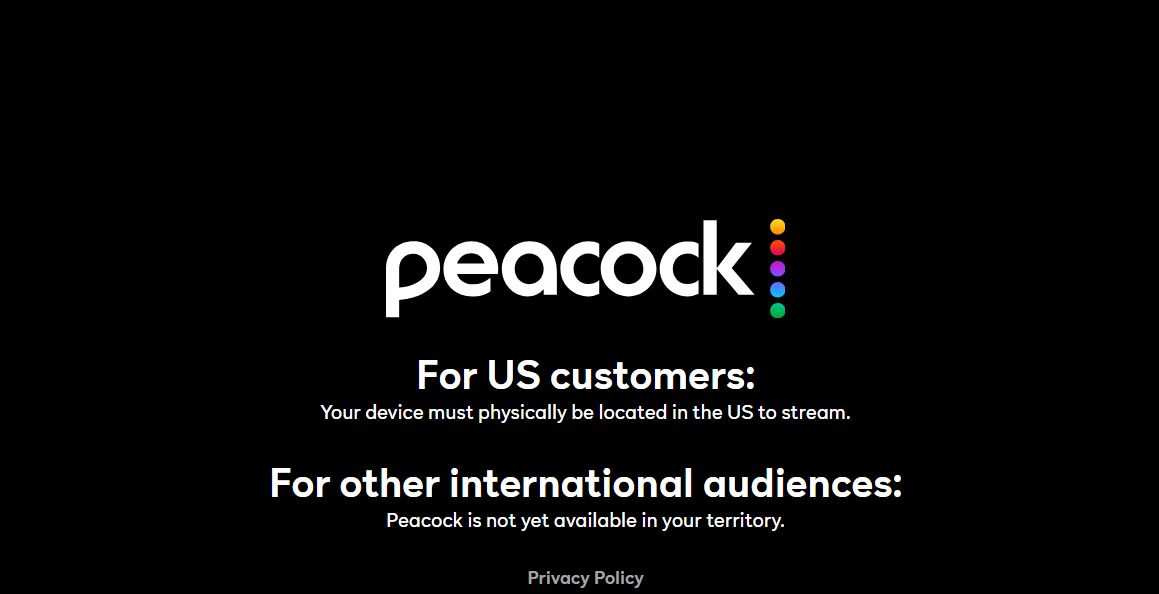
Peacock TV is a streaming service owned by NBCUniversal that offers a wide variety of entertainment, including movies, TV shows, live sports, news, and original programming. Launched in 2020, the platform features content from NBC, Universal Pictures, DreamWorks, and other popular studios. Subscribers can watch hit series, classic sitcoms, blockbuster films, and exclusive Peacock Originals. The service also provides access to live events such as Premier League soccer, WWE programming, and selected sports coverage. Available on multiple devices, Peacock TV offers flexible subscription options, making it a convenient choice for viewers seeking diverse and on-demand entertainment.
Office Locations
Peacock TV LLC 30 Rockefeller Plaza, New York, New York, United States, 10112
1 Central St Giles, St Giles High Street, London, London, United Kingdo, WC2H 8NU
Moermanskkade 421 1013 BC Amsterdam The, Netherlands
NBCUniversal Attn: DMCA Agent 100 Universal City Plaza, LRW 6, Universal City, CA, United States, 91608
More in Entertainment
View all →
Frequently Asked Questions
Common questions about Peacock TV
Visit the Peacock website or open the app, select "Sign In," and enter your registered email address and password.
Click "Forgot Password" on the sign-in page and follow the instructions sent to your email.
Check your internet connection, update the app, restart the device, and ensure the device is supported.
Go to your account settings, select "Plans & Payment," and choose the subscription plan you prefer.
Log in to your account, open billing settings, and follow the cancellation instructions.
Verify the cancellation date and billing cycle. Charges may apply until the current subscription period ends
Refund eligibility depends on Peacock's billing policies and the method used to subscribe.
Access your account settings and update the payment information under billing options.
Slow internet speeds, network congestion, or outdated apps can cause buffering issues.